
BETA Consuming Resource Data with GraphQL
What is GraphQL?
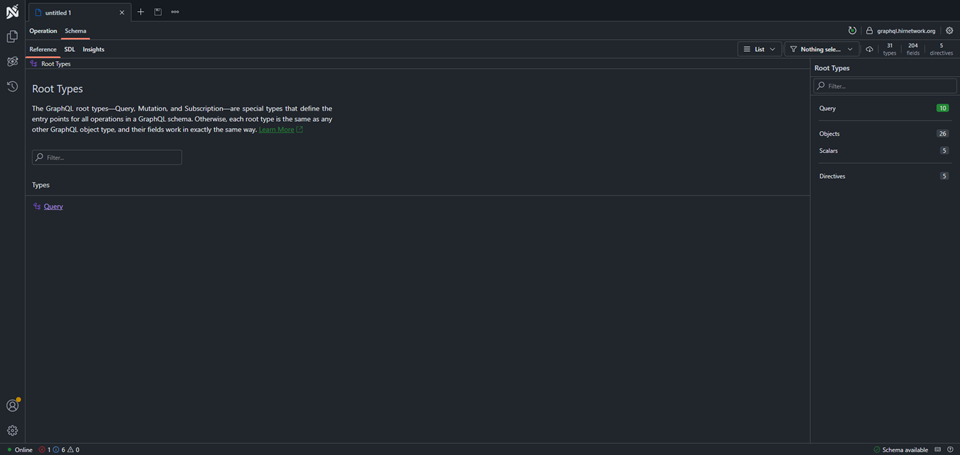
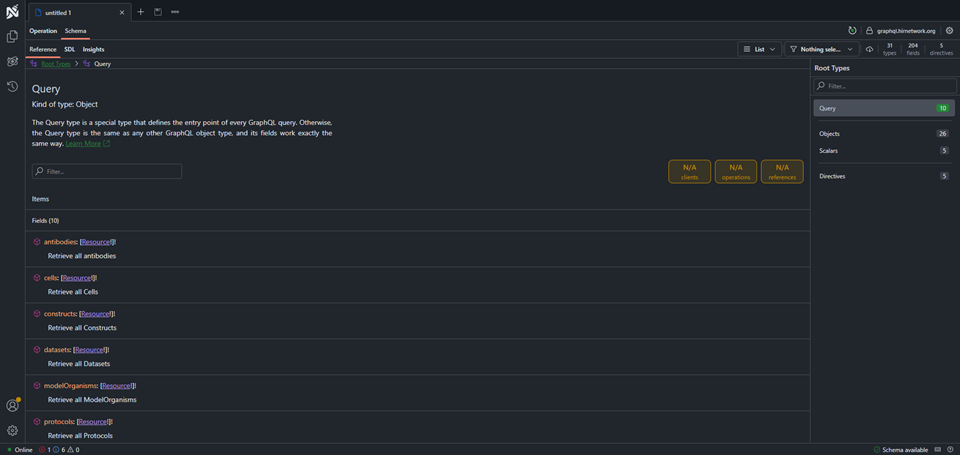
GraphQL is a data standard first created by Facebook in 2012. Much like how SQL is a language for querying databases, GraphQL is a language for querying APIs. With GraphQL you are able to ask an API about what sort of data it provides. Once you are aware of the API's schema you can proceed to ask for data by specifying exactly what you want. Queries are written with and returned in common JSON.
For more information on how to write queries in GraphQL, see https://graphql.org.
The URL for the Resource Browser GraphQL endpoint is https://graphql.hirnetwork.org/graphql
Getting Started
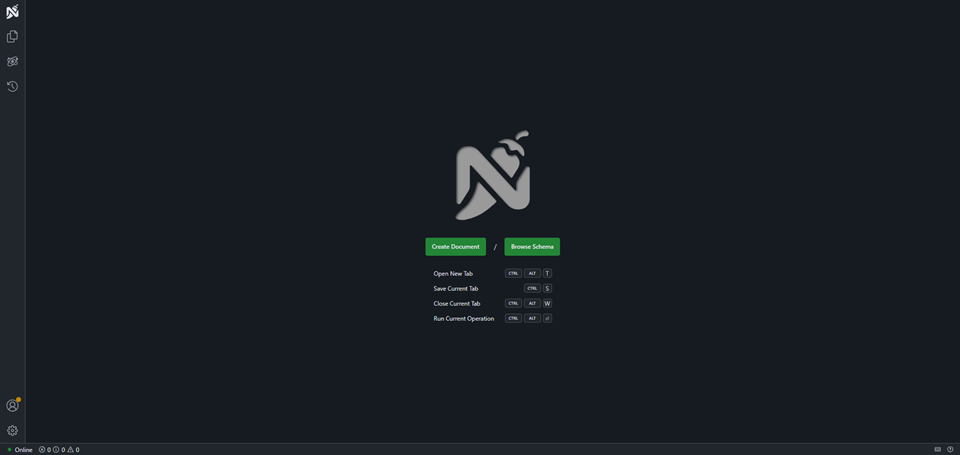
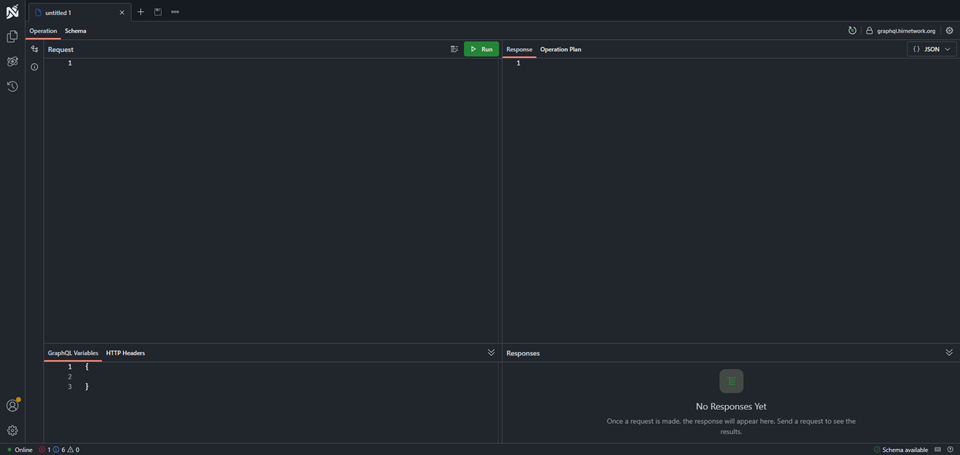
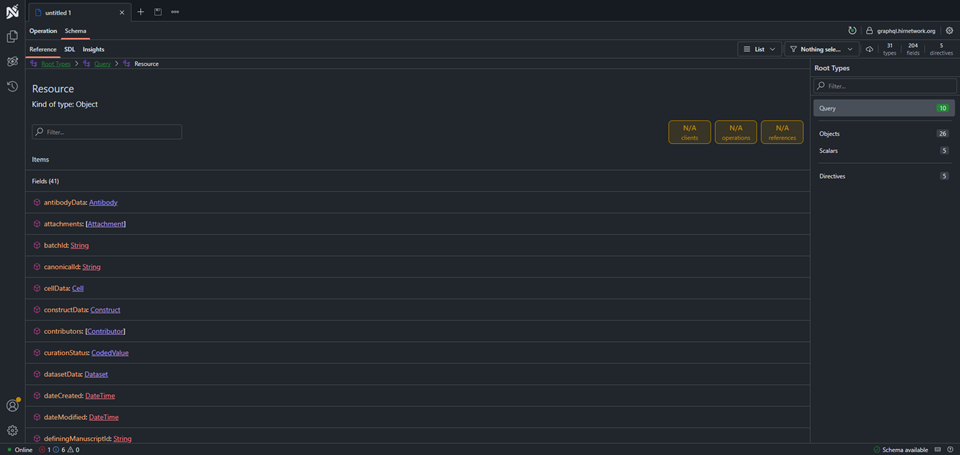
The GraphQL endpoint is hosted at https://graphql.hirnetwork.org. To assist in making GraphQL queries, we make use of a handy user interface called Banana Cake Pop. When you follow the link for the first time, you will encounter a couple of prompts.Step 1 click on "create document" to create a GraphQL query document.
Try it! Get List of Model Organisms
Try it! Get a specific Resource by Canonical Identifier
Try it! Get a specific Resource with more detail
.